Set up mobile and home internet
Check registration, device compatibility and service at your exact address, then build a backup that can survive a local outage.
By ExpatShield Editorial · Last reviewed
Match the SIM to your device and status
Before buying, check that the phone is unlocked for the provider and supports the SIM or eSIM product you want. eSIM compatibility depends on the actual device model and provider process. Keep another way to access activation instructions in case the phone being configured temporarily loses connectivity.
Use the provider's official registration process with your own identity. The NTC FAQ and Smart's foreign-national guidance distinguish document requirements by status. Smart's May 2023 article describes tourist SIM validity of 30 days and an approved visa extension for continued validity. Check the current provider implementation for your status; do not confuse the article's expired rollout deadline with today's registration procedure.
Test the places you will actually use it
Try calls, messages and data inside the prospective apartment, near the desk, and along your regular route. Repeat during working hours and busy evening periods. A coverage map is a useful starting point, but a signal on the street does not prove a stable connection inside a particular building.
| Test | What to note |
|---|---|
| Video call | Stability, audio drops and upload performance |
| Normal work | Whether required services connect reliably |
| Mobile backup | Signal where you will tether or place a modem |
| Power interruption plan | Which device and connection can still operate |
Avoid relying only on a single download-speed screenshot. If uninterrupted work matters, test the tasks you actually perform and ask about recurring outages. Keep a note of the time, room and network so you can compare alternatives consistently.
Confirm home serviceability before signing
Ask the provider whether installation is available for the exact building and unit, and ask management about permissions and wiring rules. Confirm installation timing, equipment, contract length, total charges, service-call process and cancellation or relocation conditions in writing. An available plan on a website does not prove there is a usable connection slot at your address.
Coordinate the activation date with your move and keep temporary mobile access until the line works. Check the delivered equipment and save the account and service-reference details privately. Change default access credentials through the provider's supported process, and keep recovery information somewhere separate from the device.
Make the backup independent
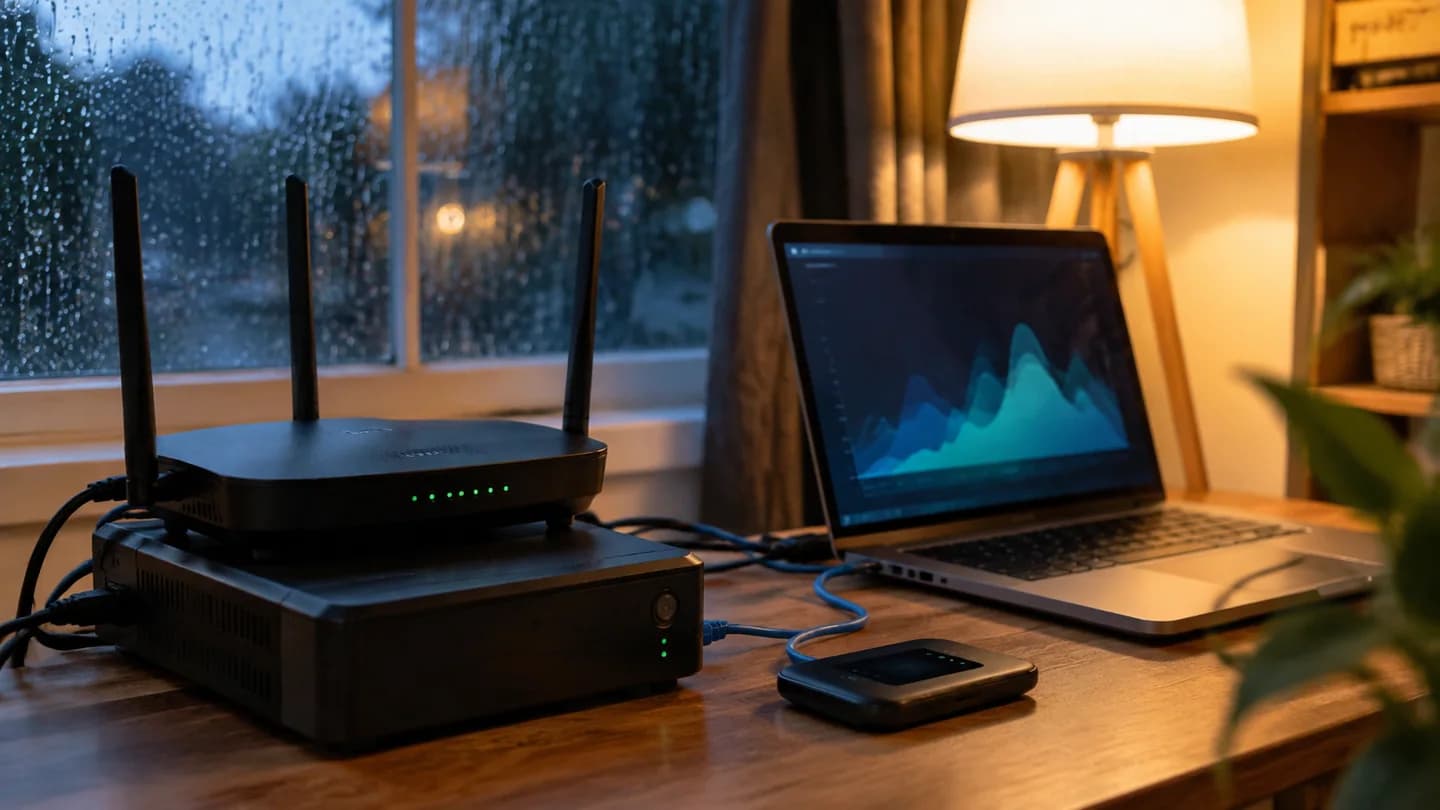
Consider a separate mobile network, suitable power backup and a nearby alternative work location. Two connections using the same last-mile equipment may fail together. Test your fallback before an important call rather than discovering the limitations during an outage.
Finally, map which banks and other services depend on your number. Ask about replacement and account recovery before changing SIMs or leaving the country. This is connectivity information only; current provider terms and status-specific registration requirements control the actual service.
Read next
Your rental move-in inspection · Prepare your home for emergencies.
Use the fixed-internet installation card to prepare exact-address questions. Resilient communications can help scope a primary connection, backup path and power needs around your actual work requirements.
Sources and direct attribution
- NTC SIM registration FAQ accessed September 5, 2026
- Smart foreign national SIM guidance accessed September 5, 2026